Main Slide Configuration
language
text
mandatory
Language short. Defines the language of the ad.
Example: "de" -> Germany
Default: "de"
slide_names_array
text
mandatory
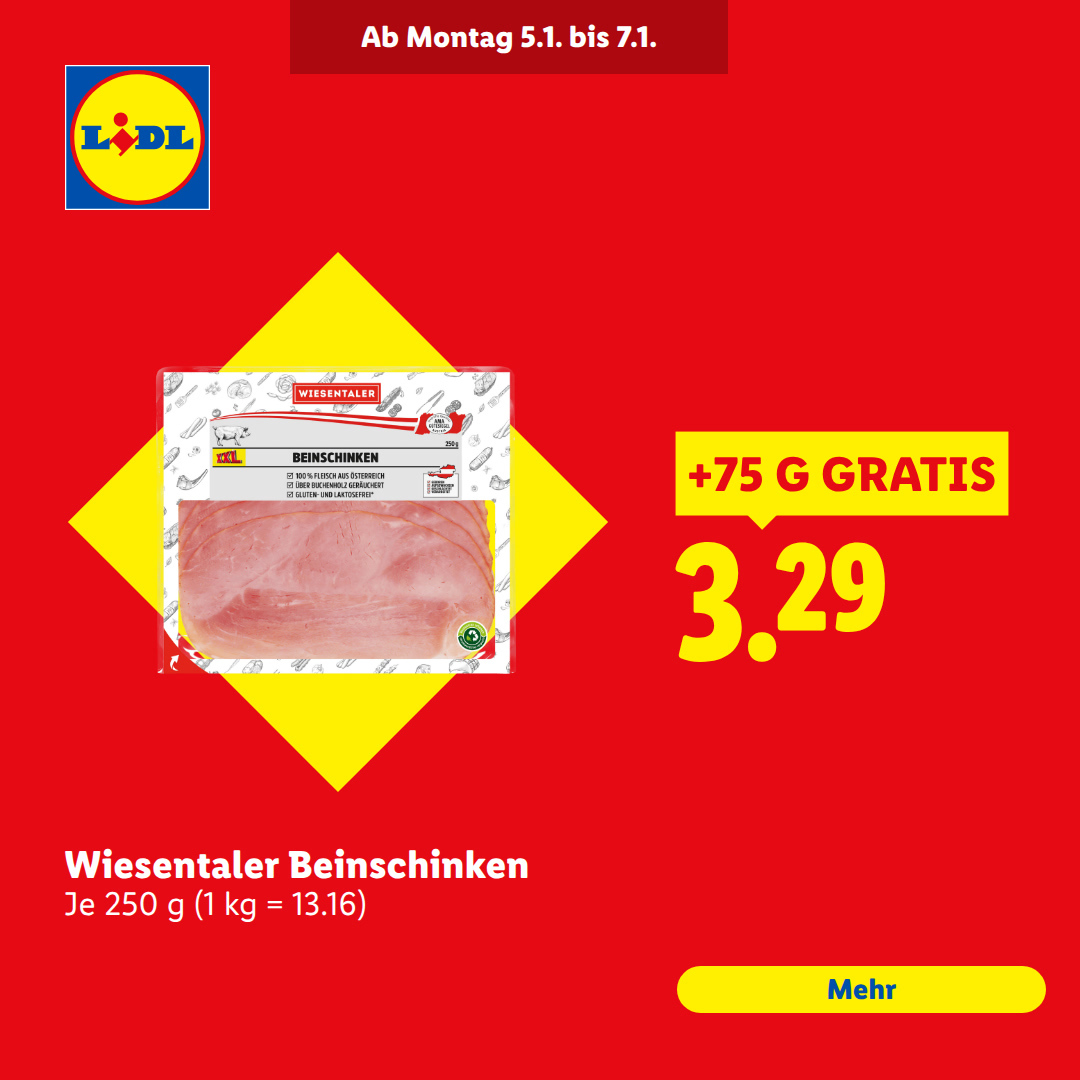
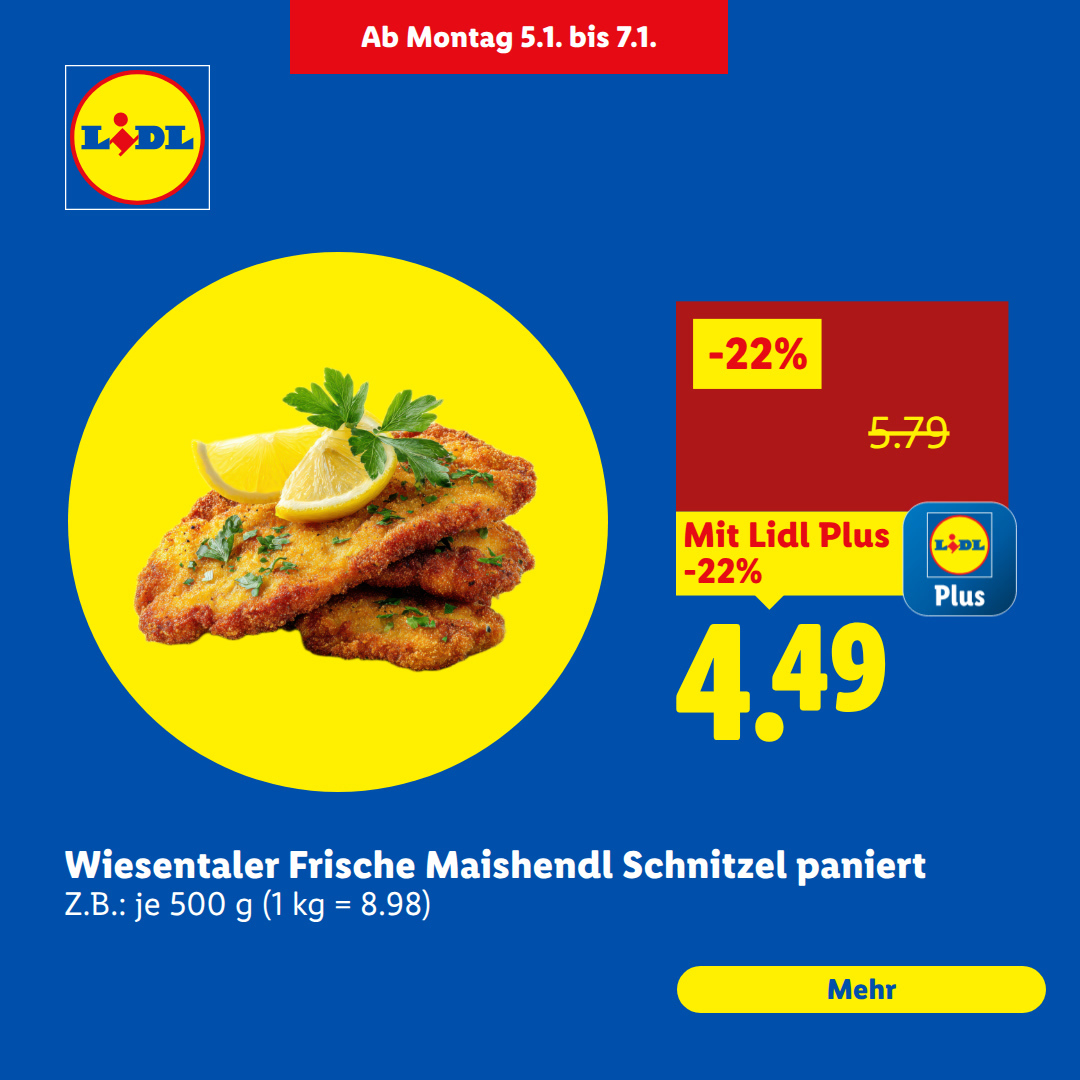
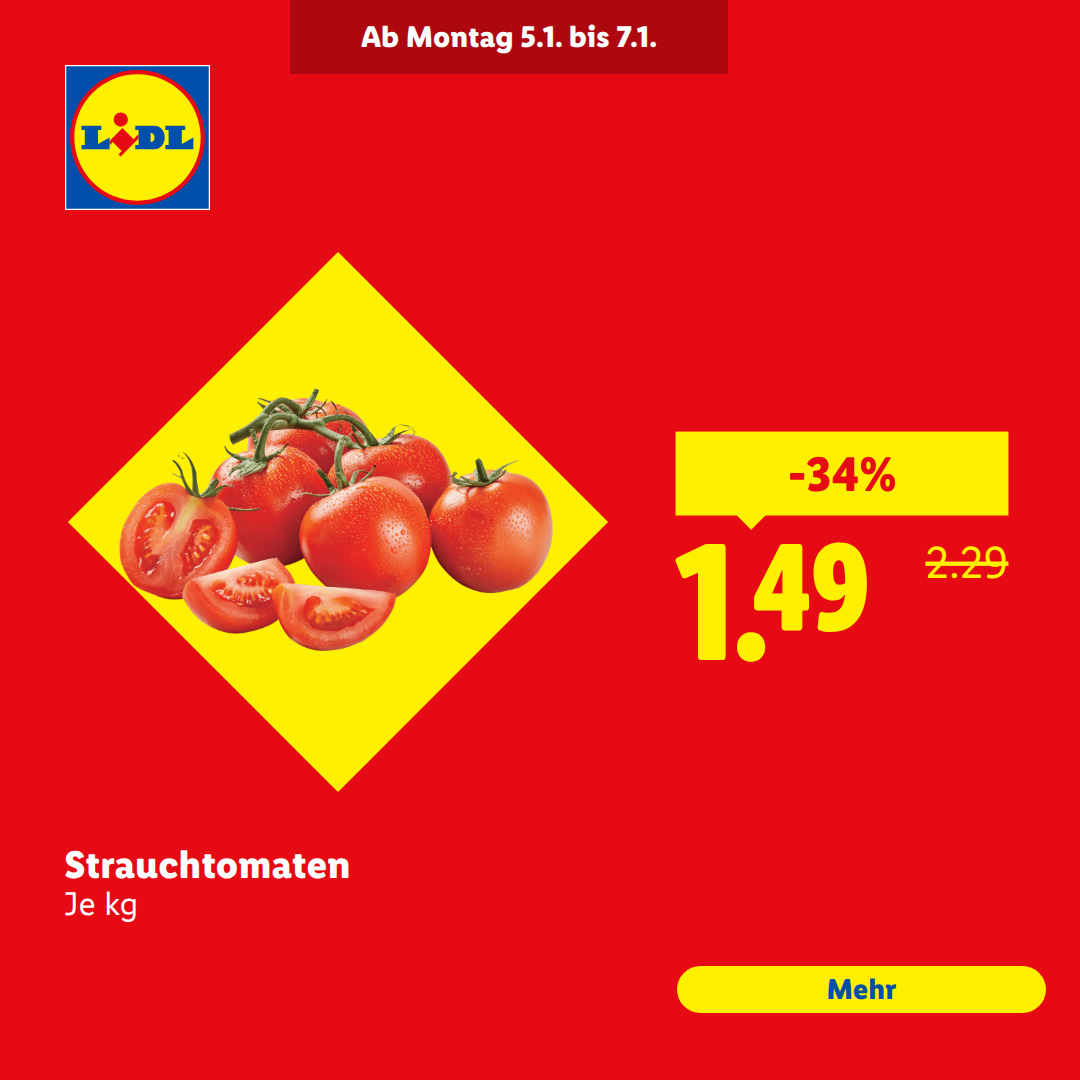
Defines the sequence and type of slides in the banner. Available slides are "intro", "outro" and "product". You can set slide order and types freely.
Default: "intro,product,product,product,outro"
legal_text_array
text
optional
Legal disclaimer text to display on product slides. Each slide from slide_names_array gets its own legal entry, divided by "||". Use "none" to hide legal text.
Example: "none||This is the legal text for slide 2||none||none||none"
Default: "none"
Intro Slide Settings
IMPORTANT: intro_background_image, intro_headline and intro_splash_image can be mixed in any way, or left empty/blank, but at least one of the three contents must be set (mandatory).
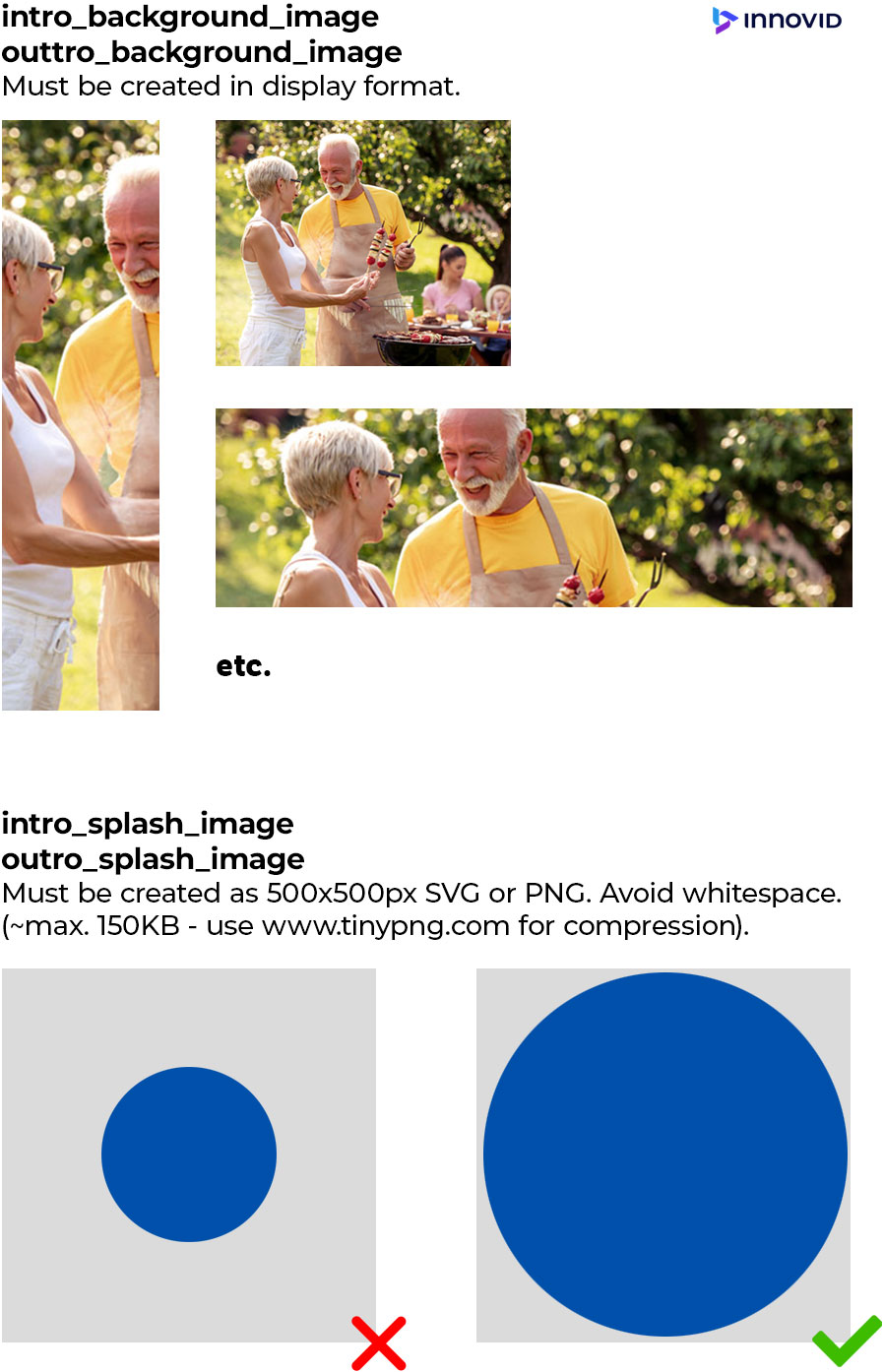
intro_background_image
in Ad size
image
optional
Background image for the intro slide. Must be created in size of ad.
Default: "blank.png" (empty image)
intro_headline
max length 60 characters
text
optional
Main headline text displayed on intro slide.
Default: empty
intro_splash_image
500x500px
image
optional
Promotional splash image for intro slide.
Default: "blank.png" (empty image)
intro_background_color
text
optional
Background color for the intro slide. If empty, intro slide gets LIDL red
Default: empty
intro_show_LIDL_logo
text
mandatory
Controls visibility of standard LIDL logo on intro slide.
Default: true (accepted values: "true" or "false")
intro_clickURL
text
optional
ClickTag 1
Optional for individual Intro ClickTag. Destination URL when intro slide is clicked.
Default: empty
Product Slide Settings
product_background_image
in Ad size
image
optional
Background image for ALL product slides. Must be created in size of ad. (Used for LIDL cues for instance)
Default: "blank.png" (empty image)
product_background_color
text
optional
Background color for ALL product slide. If empty, outro slide gets LIDL blue or LIDL red, depending on LIDL plus product or not.
Default: empty
product_cta
max length 20 characters
text
mandatory
Call-to-action button text for product slides. (If text is too long for CTA, it defaults to ">>>")
Default: empty
Outro Slide Settings
outro_background_image
in Ad size
image
optional
Background image for the outro slide. Must be created in size of ad.
Default: "blank.png" (empty image)
outro_background_color
text
optional
Background color for the outro slide. If empty, outro slide gets LIDL blue
Default: empty
outro_headline
max length 60 characters
text
mandatory
Outro headline text displayed on outro slide.
Default: empty
outro_splash_image
500x500px
image
mandatory
Image displayed on the outro slide.
Default: "blank.png" (empty image)
outro_cta
max length 20 characters
text
mandatory
Call-to-action button text for outro slide.
Default: empty
outro_show_LIDL_logo
text
mandatory
Controls visibility of standard LIDL logo on outro slide.
Default: true (accepted values: "true" or "false")
outro_clickURL
text
optional
ClickTag 3
Optional for individual Outro ClickTag. Destination URL when outro slide is clicked.
Default: empty
Technical Settings
autoplay_end_frame
text
mandatory
Frame number where autoplay stops. Related to order of slide_names_array.
Default: "2"
feed_id
text
mandatory
Data feed identifier for product information. Enter Feed ID of country here.
Default: "2078"
IMPORTANT: Either category OR product_id. If product_id is set, category will be overridden. (both are optional)
category
text
optional
Optional Product Category filter for feed data (Category MUST be present in feed). Leave empty to include all categories.
Example: "food"
Default: empty
product_id
text
optional
Product IDs from Feed - to display specific products in product slides. Comma-separated IDs. If more IDs are selected than product slides were defined in slide_names_array, the used products will be selected randomly from the given ID pool. If empty, products are being selected randomly from ALL feed items.
Example: "10036372,10036373,10036422,10036416"
Default: empty
Creative Support